A makeup simulator answers the question every mirror can't: how would this look on me? Not on the model in the tutorial, not on the influencer who posted it, on you. Simulators used to mean clunky web tools with a dozen preset lipsticks. AI changed the category completely: today you can simulate any makeup look that exists in any photo, on your own face, in seconds.
Simulator, filter, editor: what's the difference?
Three tools get mixed up constantly, and they do very different things:
- A filter paints one fixed effect over your live camera. Fast and fun, but it reshapes your face, and you can only wear the looks someone designed as filters.
- A makeup editor lets you manually paint color onto a photo: pick a lipstick layer, brush it on, adjust opacity. Powerful in skilled hands, tedious in everyone else's.
- An AI makeup simulator (also called a makeup generator) works from a reference photo. You show it a finished look from anywhere, and it applies that look's technique to your face automatically and photorealistically. No painting skills, no preset list, and your face shape and skin tone stay untouched.
If your goal is to decide whether a look suits you before buying products or booking an artist, the simulator is the right tool. It renders the finished result instead of asking you to construct it.
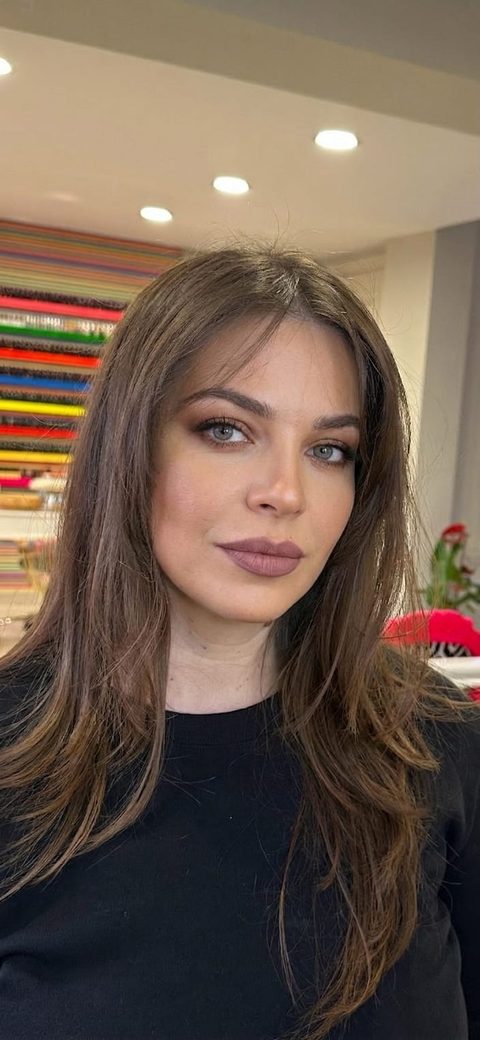
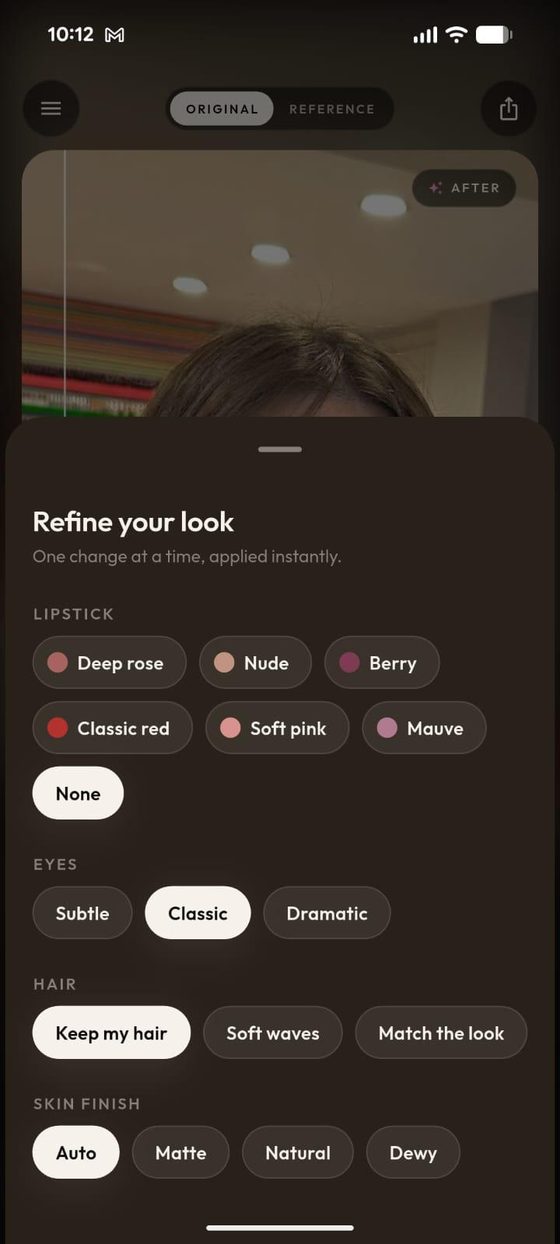
How to simulate a makeup look in three steps
- Take a selfie. Daylight, face forward, no makeup needed. This is your canvas.
- Pick a reference look. A magazine shot, a saved post, a screenshot from a video. If you can see the look, the AI can simulate it.
- Generate and refine. The AI Makeup app renders the look on your face in seconds. Then tune it like an editor, without the manual work: swap the lipstick shade, dial eye intensity, choose a skin finish.
Every result comes with a before/after slider, so you can flick between your bare face and the simulated look until you are sure. The same engine also simulates hairstyles and outfits.
What to simulate first
- The look you keep saving. You already know which one it is. Find out in ten seconds if it belongs on your face.
- A lipstick you almost bought. Simulate the whole look it belongs to, then decide with your card still in your pocket.
- Your event look, early. Wedding, party, interview: simulate two or three candidates a week before, sleep on the results, and walk into the appointment with a photo of the winner on your own face.
Not sure where to start? Read what makeup suits my face for a practical way to narrow it down, or just start free and let the results teach you. Details on the free tier are in free AI makeup online.
Simulate your first look free.
Any look from any photo, on your own face, in seconds.
Get the free appFrequently asked questions
What is a makeup simulator?
A makeup simulator shows you how makeup would look on your own face before you apply or buy anything. Modern AI simulators work from a single selfie: you provide a reference photo of any look, and the AI generates a photorealistic preview of that look on your features.
Is there a free online makeup simulator?
Yes. The AI Makeup app is free on iOS and Android and includes free simulations, called try-ons. No account is needed, and results are saved to your phone without watermarks.
Can a makeup generator work from just a photo?
Yes. An AI makeup generator needs only two photos: your selfie and a picture of the look you want. It transfers the makeup technique from the reference onto your face while keeping your identity, face shape, and skin tone unchanged.
Does a makeup simulator work on every skin tone?
A good AI simulator does. Because it preserves your actual skin tone and adapts the makeup to it, you see how shades really read on your complexion, which is where fixed filters usually fail.